
Sending nothing, by design
papatto has no ads and no uploads. The contents of your photos and documents never leave your device.
To keep that promise, all image and file processing happens inside the browser, and nothing is fetched from outside servers while you use it. Fonts and libraries are bundled into the site itself.
Every asset it uses is listed, with its author and license, on the Credits page. Nothing about what runs inside is hidden.
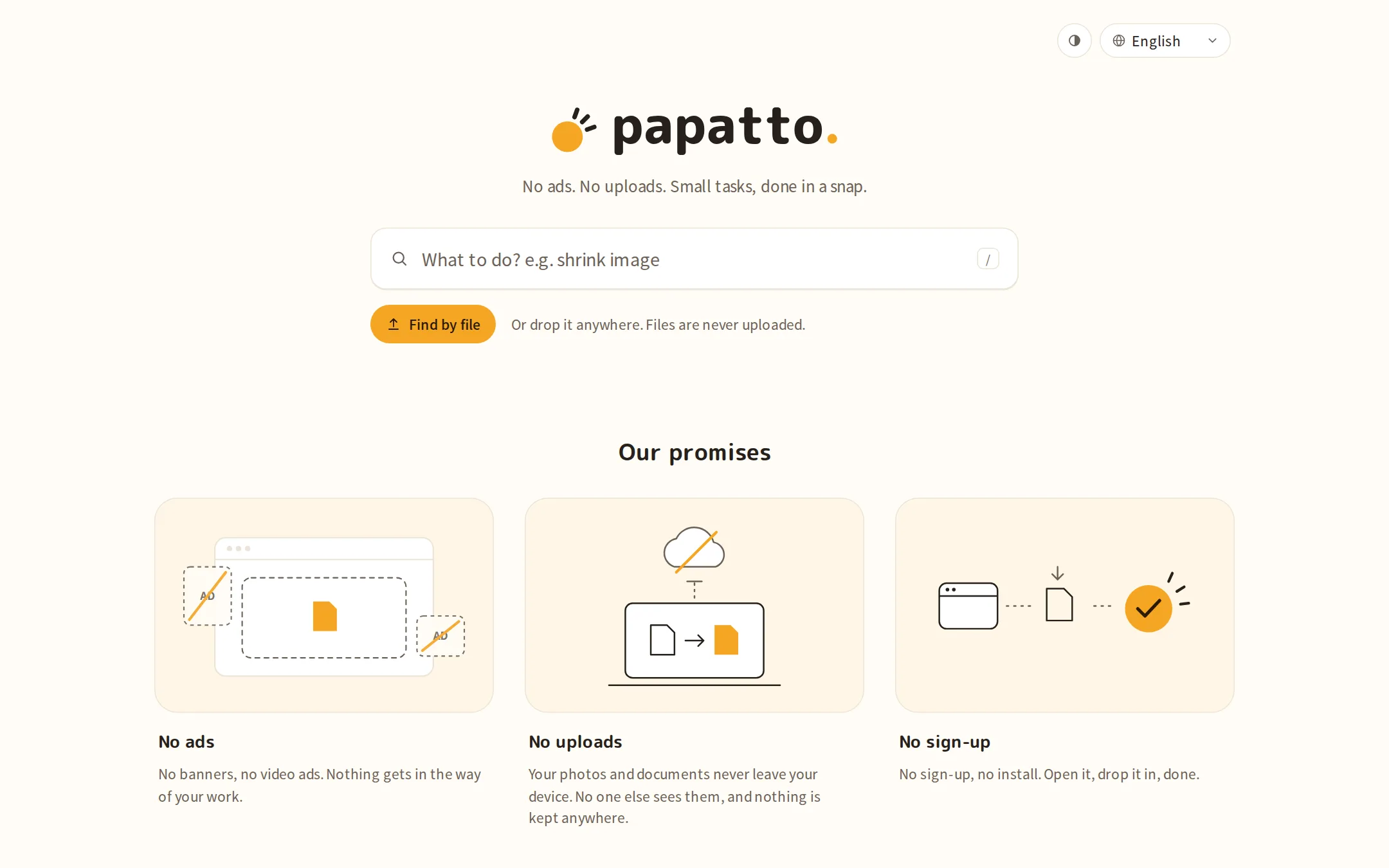
92 tools, one feel
The more tools there are, the more buttons and input fields start to look different from one tool to the next. In papatto, buttons, toggles, input fields and other parts are shared components, and no tool is allowed to style them on its own.
There is a single accent color, orange. Each step has just one primary button. Whichever tool you open, it feels the same to use.
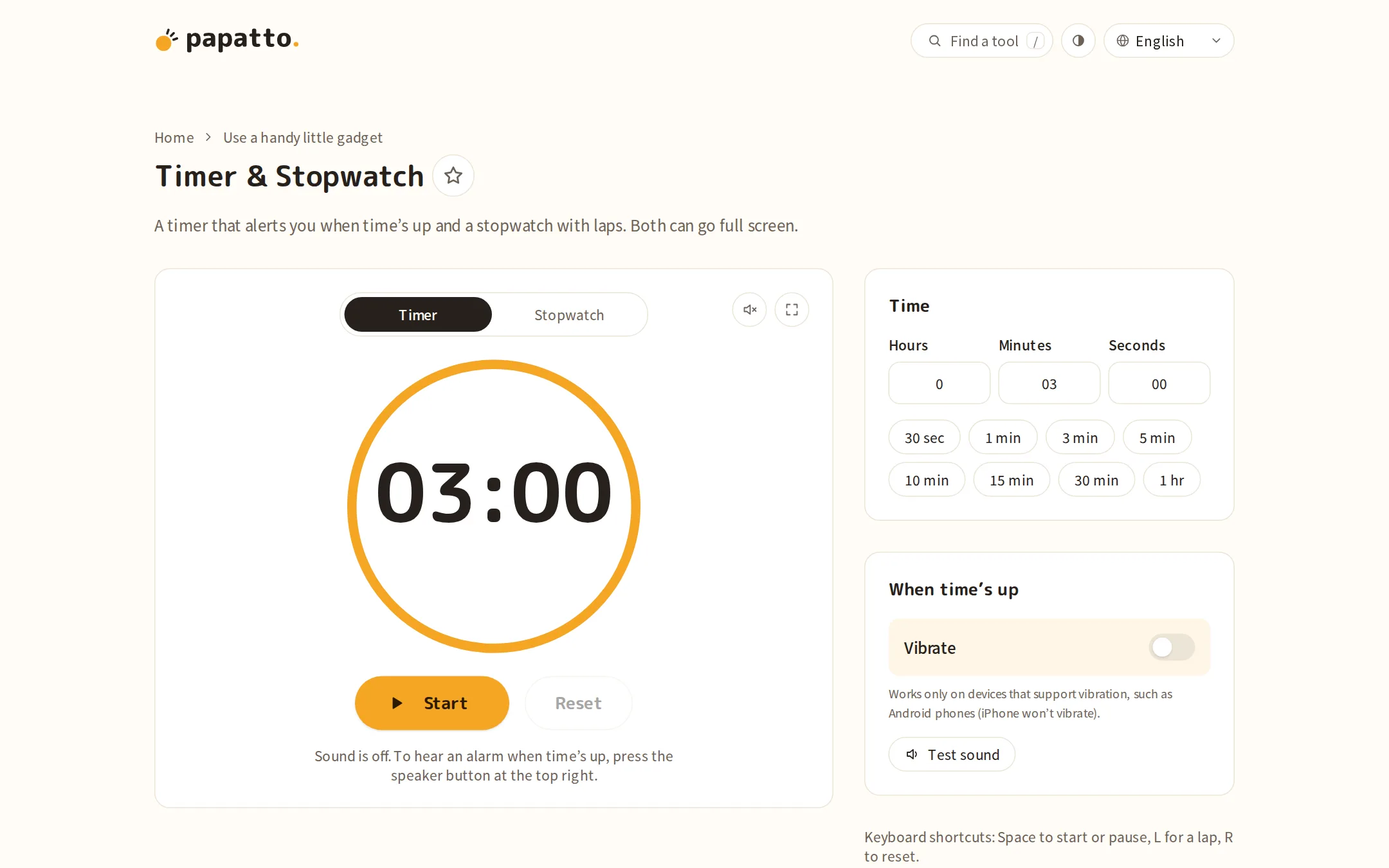
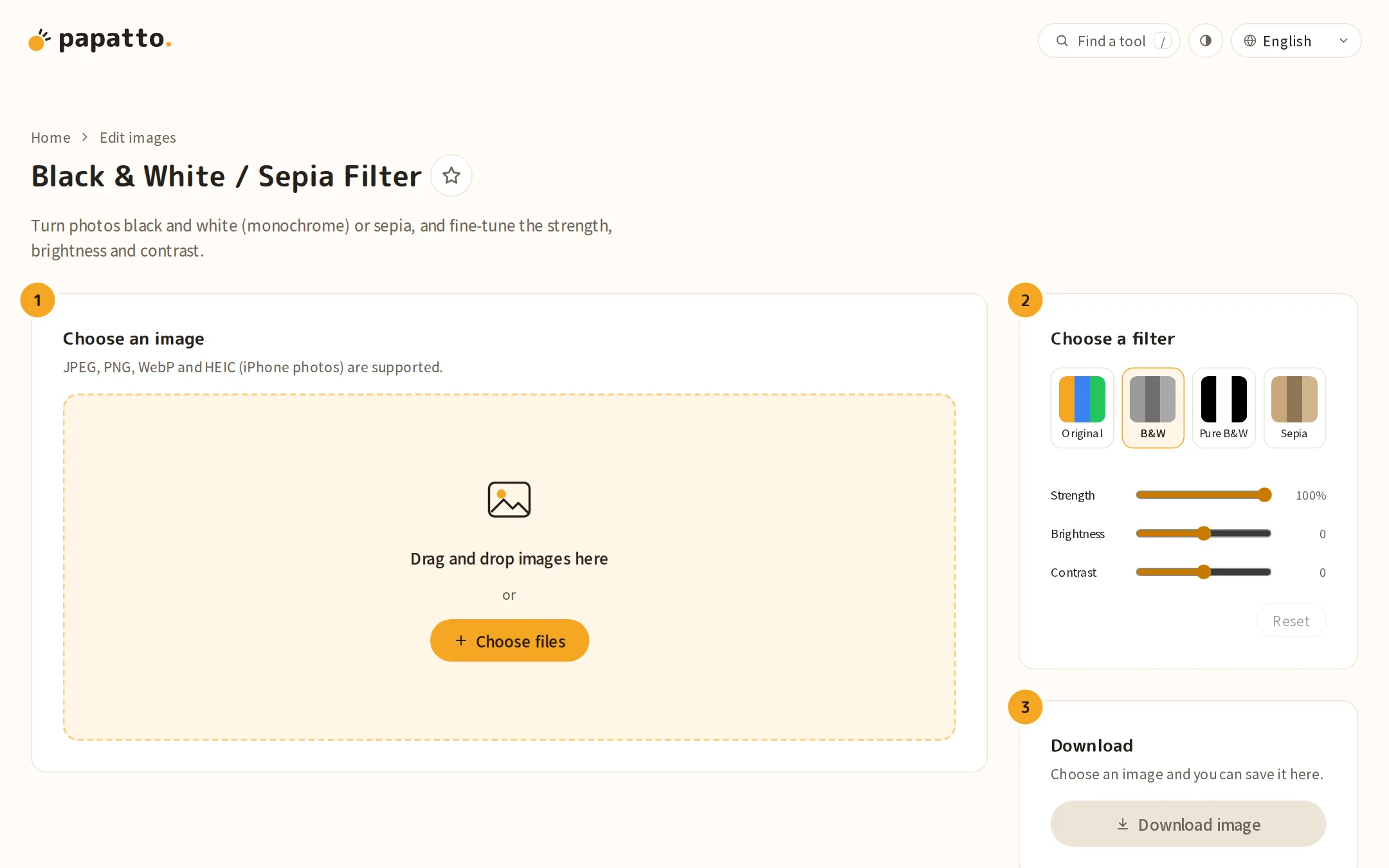
Color, spacing, icons and type, kept in line by rules
Color comes from just 9 tokens, each with a light and a dark value. The accent is a single orange, used only for buttons, focus and the mark that says something is done.
Spacing works in units of 4px, limited to the steps 4, 8, 16, 32 and 48px. Which step goes where is decided too: inside a part, between nearby elements, between groups.
Icons are drawn on a 24×24 grid with a stroke width of 1.7 and rounded ends and corners. They take the same color as the text, so a row of them stays quiet.
Headings use M PLUS Rounded 1c, a rounded sans-serif, and body text uses Noto Sans JP. For Korean, Chinese and Arabic, it switches to the Noto Sans for that language.
On any screen, in any language
papatto works in 10 languages. Even in Arabic, which is written right to left, the layout holds together.
Nothing spills sideways on a 360px-wide phone. Everything works in dark mode and with reduced motion. Every tool is checked against these conditions before it goes live.
Information
- Tools
- 92
- Categories
- Make images lighter or convert them / Edit images / Tidy up text / Calculate numbers / Use a handy little gadget / Try lotteries and draws / Create QR codes and more
- Languages
- 10 languages (日本語, English, 한국어, 简体中文, Español, Français, Deutsch, Português, Русский, العربية)
- Runs on
- Your browser only (files are never uploaded)
- Link
- papatto.dev
Creator
 Takumi Higuchi